


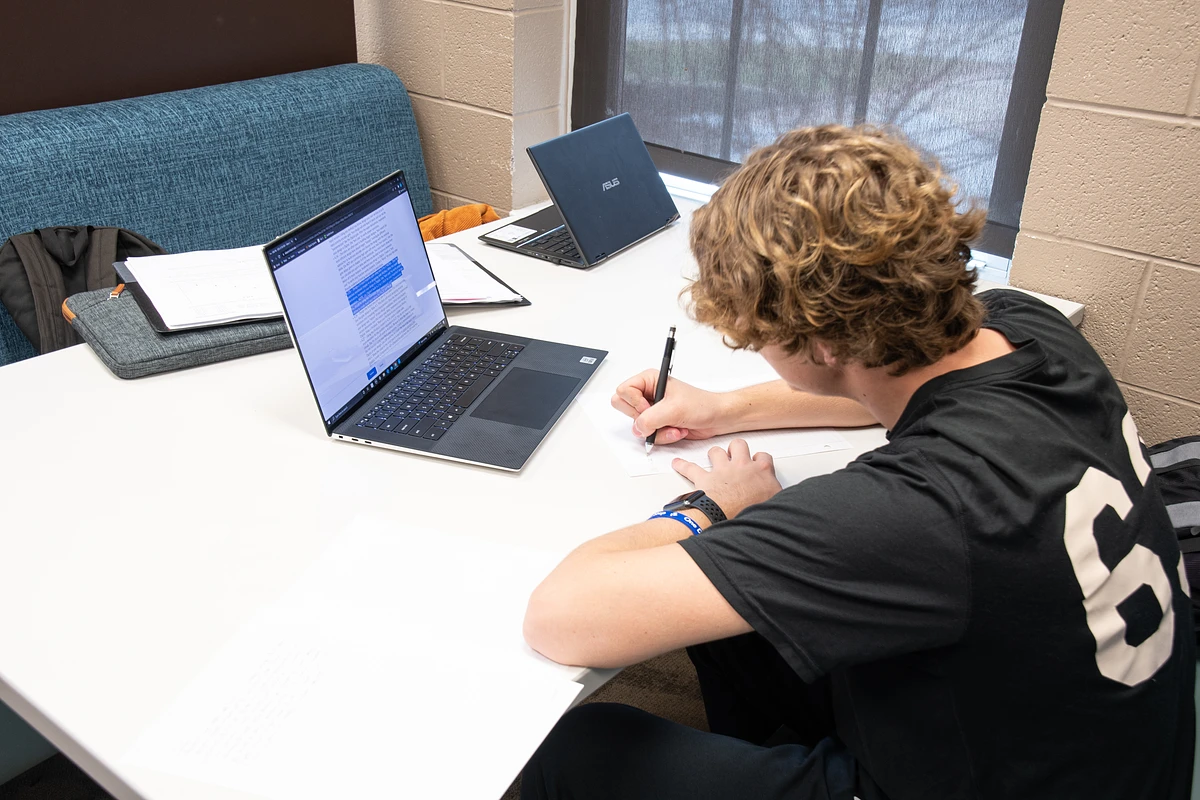

As you prepare to begin or continue your academic journey at Tennessee Tech University, having the right technology is essential to your success. The College of Engineering requires all students to have a primary portable computing device. While secondary devices such as tablets can be helpful for note-taking or reading, they are not suitable substitutes for a fully functional laptop.
Here’s a breakdown of the recommended computer specifications to help you make the best decision for your studies.
General Computer Recommendations for College of Engineering Students
The following specifications are designed to support coursework across all engineering disciplines at Tennessee Tech. However, individual programs may have additional requirements, so be sure to reach out directly to your department if you have questions:
- Chemical Engineering che@tntech.edu
- Civil and Environmental Engineering cee@tntech.edu
- Computer Science csc@tntech.edu
- Electrical and Computer Engineering ece@tntech.edu
- General and Industrial Engineering engr@tntech.edu
- Manufacturing and Engineering Technology met@tntech.edu
- Mechanical Engineering me@tntech.edu
Note for Mechanical Engineering students: Macs are only recommended for highly experienced users who are comfortable managing a virtual PC environment. Many required applications run only on Windows.
Recommended Specs for Microsoft Windows Laptops
Windows laptops are the preferred and most widely supported choice for engineering students.
- Processor: Intel Core i7 processor or equivalent
- Memory: 16GB RAM
- Storage: 1TB solid state drive (SSD) or more - strongly recommended
- Nvidia graphics recommended. Video: 1920 x 1080 resolution. 4K displays may have to be operated at a lower screen resolution to be compatible with some software. Several departments will make use of SolidWorks. There have been some reported issues of graphics cards not being compatible with this program. Students may want to consult https://www.solidworks.com/support/hardware-certification for a list of tested and certified graphics cards for SolidWorks.
- Operating System: Microsoft Windows 11
Recommended Specs for Apple Macintosh Laptops
While Macs can be used, they are not universally supported across engineering programs. Compatibility with engineering software may require virtualization or workarounds.
- Processor: M series processors (Warning: not all software is compatible)
- Memory: 8GB RAM (16GB strongly recommended, especially if you plan to also run Windows)
- Storage: 500GB solid state drive (SSD) (1TB SSD strongly recommended)
- Video: 1920 x 1080 resolution with minimum screen size of 13 in. (15 inches is probably better or access to an additional monitor). See note under Windows machines for SolidWorks compatibility.
- Operating System: Monterey or later
Recommended Accessories
- USB Flash Drive: 64GB or higher
- External Hard Drive: 500GB or higher
- Mouse: Many students prefer a mouse over the trackpad for design work
- Adapters/Dongles: Laptops with only USB-C or Thunderbolt ports will likely need adapters for use with campus devices
Don’t Forget to Save on Hardware
Tech students and employees can find discounted hardware and software through campus resources. Just search for "Pricing for Home Use" on the myTECH Self Service portal.
And remember—Tennessee’s Tax-Free Weekend is a great opportunity to purchase electronics without paying sales tax.
Final Tip
Before purchasing your laptop, it's always smart to consult with your department—especially if you’re pursuing specialized software like CAD, simulation tools, or advanced programming platforms. Having the right specs from the beginning can save you time, frustration, and money.
Fine more information about the Computing Resources for the College of Engineering students at Tech here.

I appreciate the breakdown of recommended computer specs, it's really helpful. The mention of required applications for Mechanical Engineering students reminded me of a friend who struggled with compatibility issues, which made...see more